Solo · open source
Tessera — QR Code Studio
- Role
- Solo — design and engineering
- Outcome
- Live and open source under AGPL-3.0 — installable, works fully offline, 77 tests over the encoding layer
- Built with
- React 19 · TypeScript · Vite · Tailwind CSS · PWA · Client-side
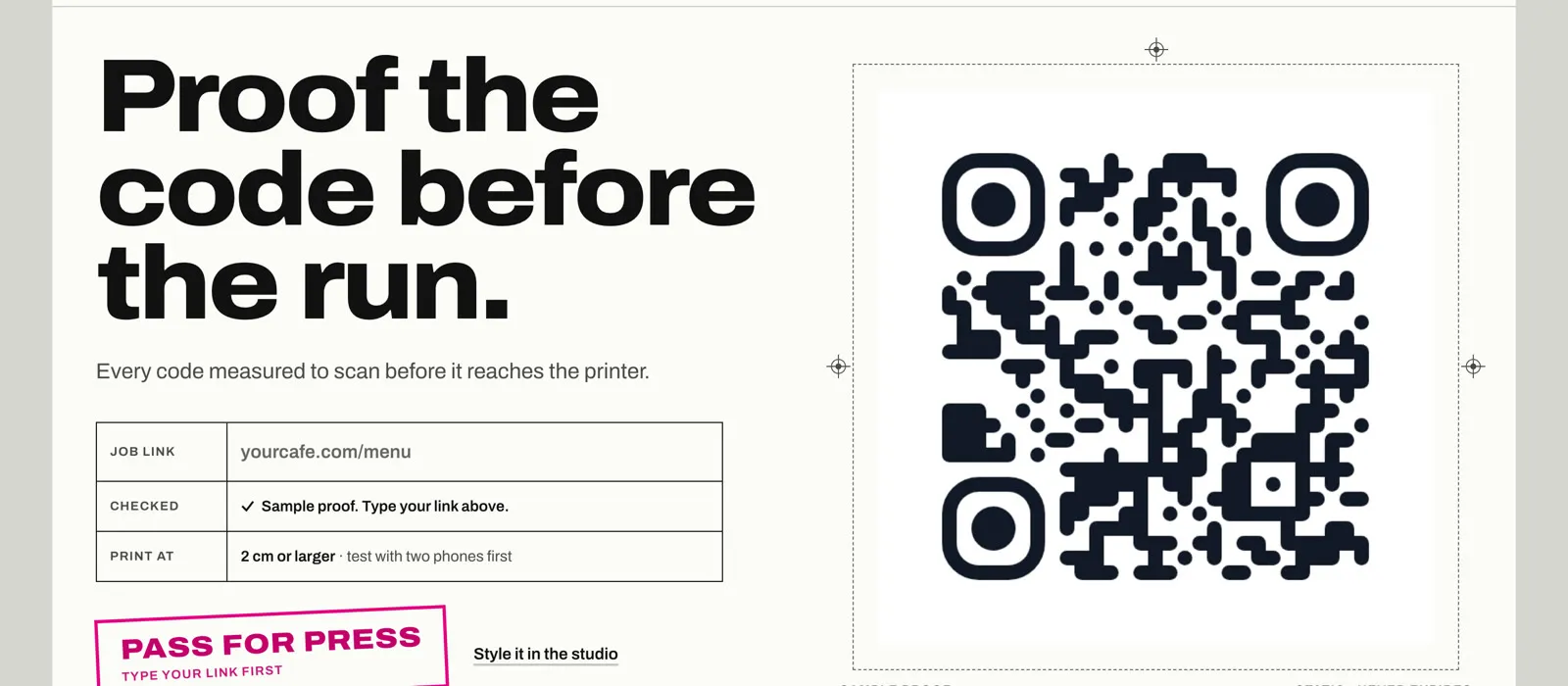
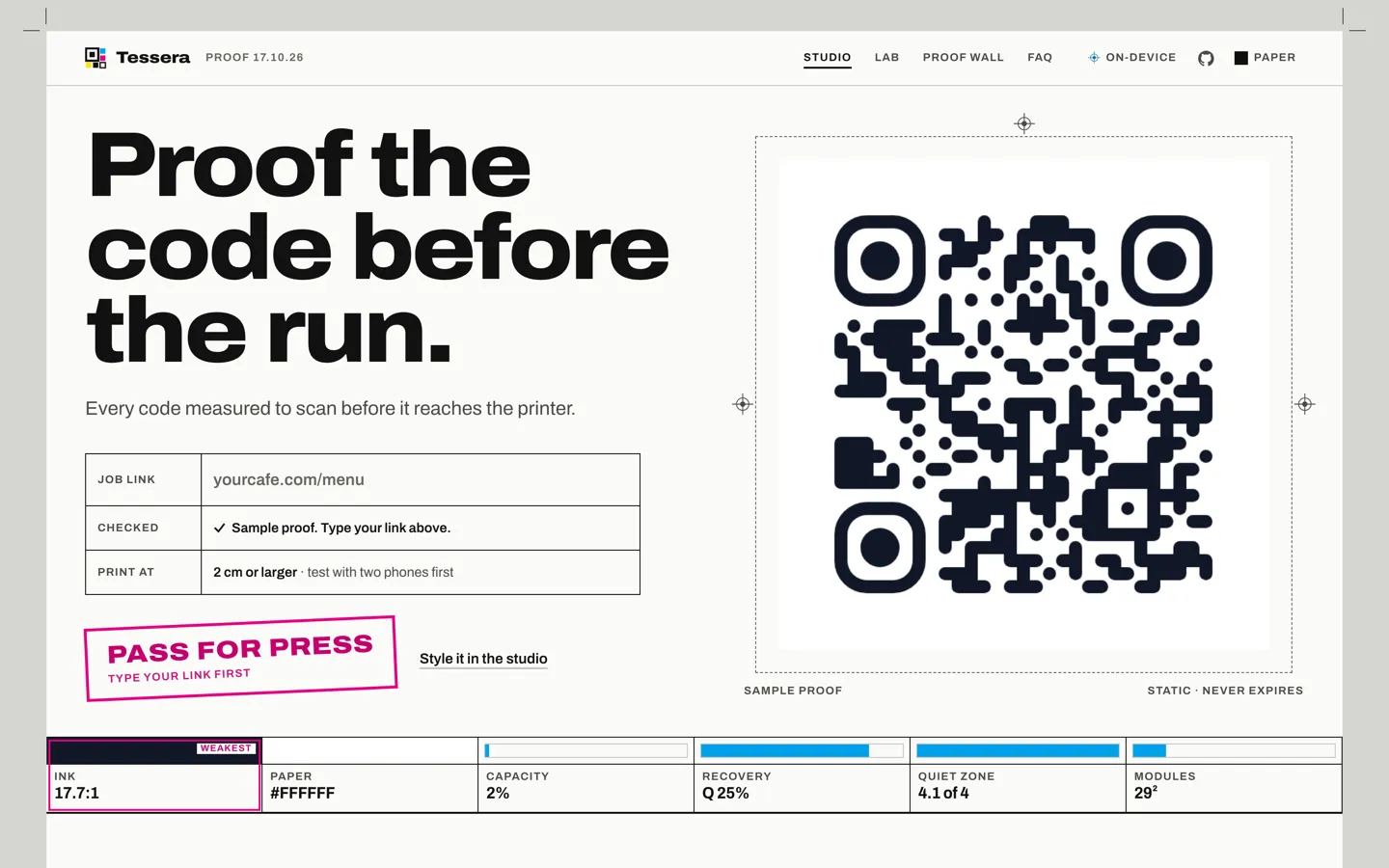
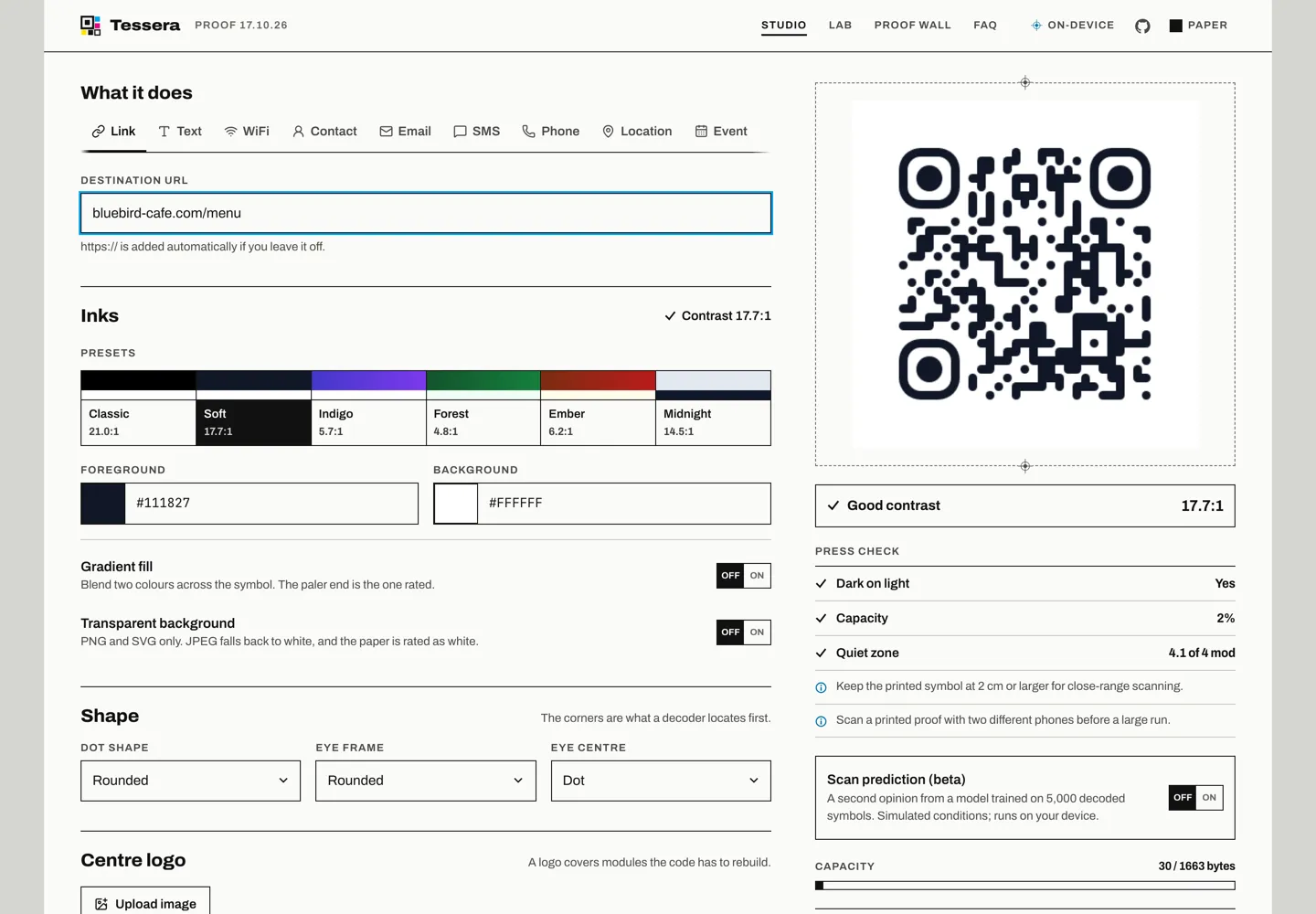
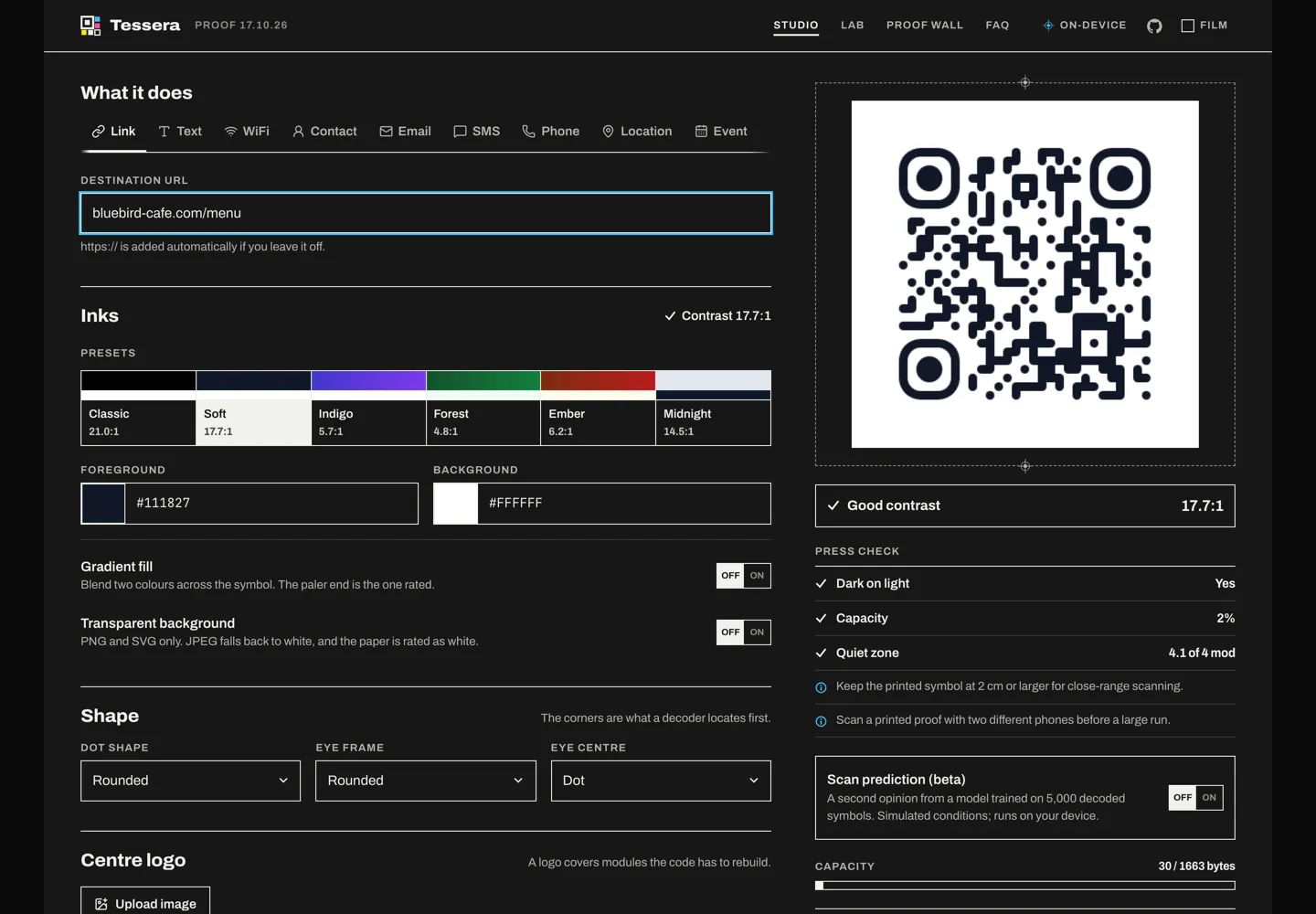
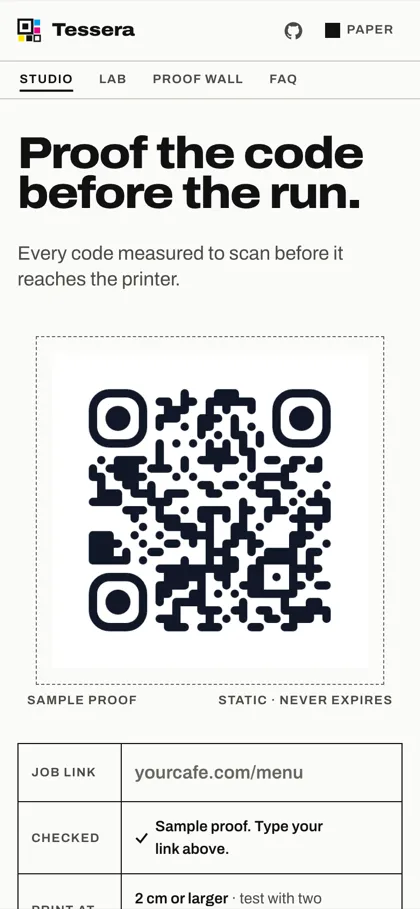
A QR code studio that runs entirely in the browser. It encodes nine content kinds — links, WiFi credentials, vCard contacts, calendar events and more — into static symbols, where the data lives in the pattern itself rather than behind a vendor redirect that expires when a subscription lapses. While a code is being styled, the app scores it on the two axes that decide whether it will actually scan in the real world: colour contrast measured against decoder tolerance rather than typographic guidelines, and payload size against the symbol’s true byte capacity. There is no backend, so nothing typed into it ever leaves the device. Built solo, end to end.
Problem
Most free QR generators quietly hand the user a liability. They wrap the destination in a redirect the vendor owns, which lets them count every scan and means every printed code stops working when the free tier ends — annoying on a business card, expensive across five thousand flyers. The second problem is subtler: the same tools let you choose colours that look excellent on a screen and fail completely under a phone camera, and they say nothing about it until the print run is already done. Underneath both sits a class of silent encoding bug, where a WiFi password containing a semicolon or a vCard field containing a comma truncates the payload without any error, and the failure only surfaces when a guest cannot join the network.
Approach
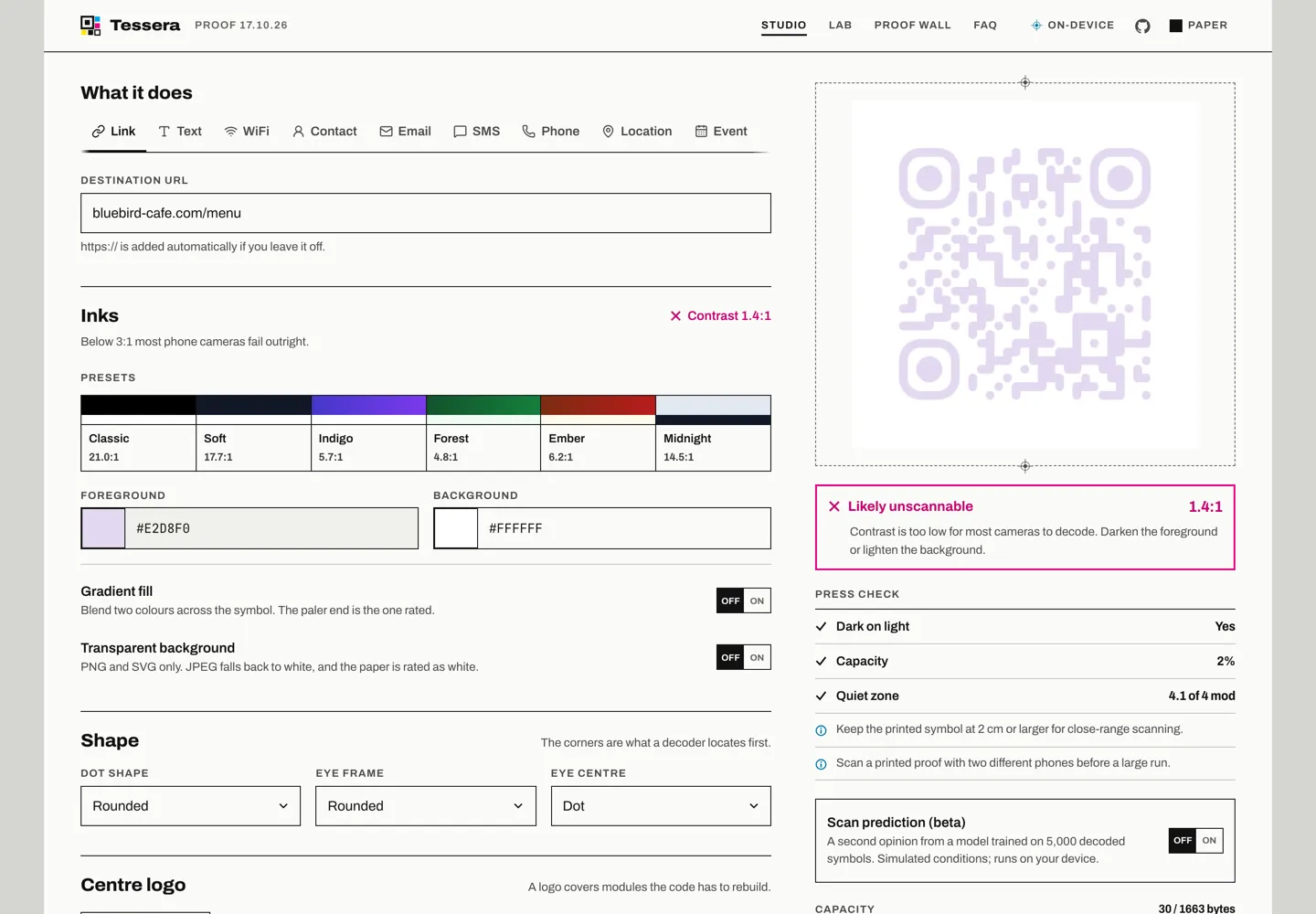
Tessera generates static codes — the payload is encoded directly into the symbol, so nothing expires and no scan is tracked — and spends its effort on the guardrails the category ignores. Colour pairs are scored live against real decoder behaviour rather than WCAG text thresholds, because below roughly 3:1 most phone cameras fail outright and 3–4.5:1 only decodes in good light on clean paper. Payload size is metered in bytes against the actual version-40 capacity for the chosen error correction level, which more than halves between L and H, so overflow is caught while it can still be fixed. Reserved characters are escaped per scheme, closing the silent-truncation class of bug. The encoding, validation and contrast logic is kept in plain functions with no React dependency, which is where the test suite is aimed. Privacy is architectural rather than promised: there is no server, and the fonts are self-hosted so the app makes no third-party request at all — verifiable in a network tab. A service worker precaches the build, so the studio keeps working with the connection off.
Screens